PostgreSQL available now. More SQL engines planned.

Find database bottlenecks before you scale.

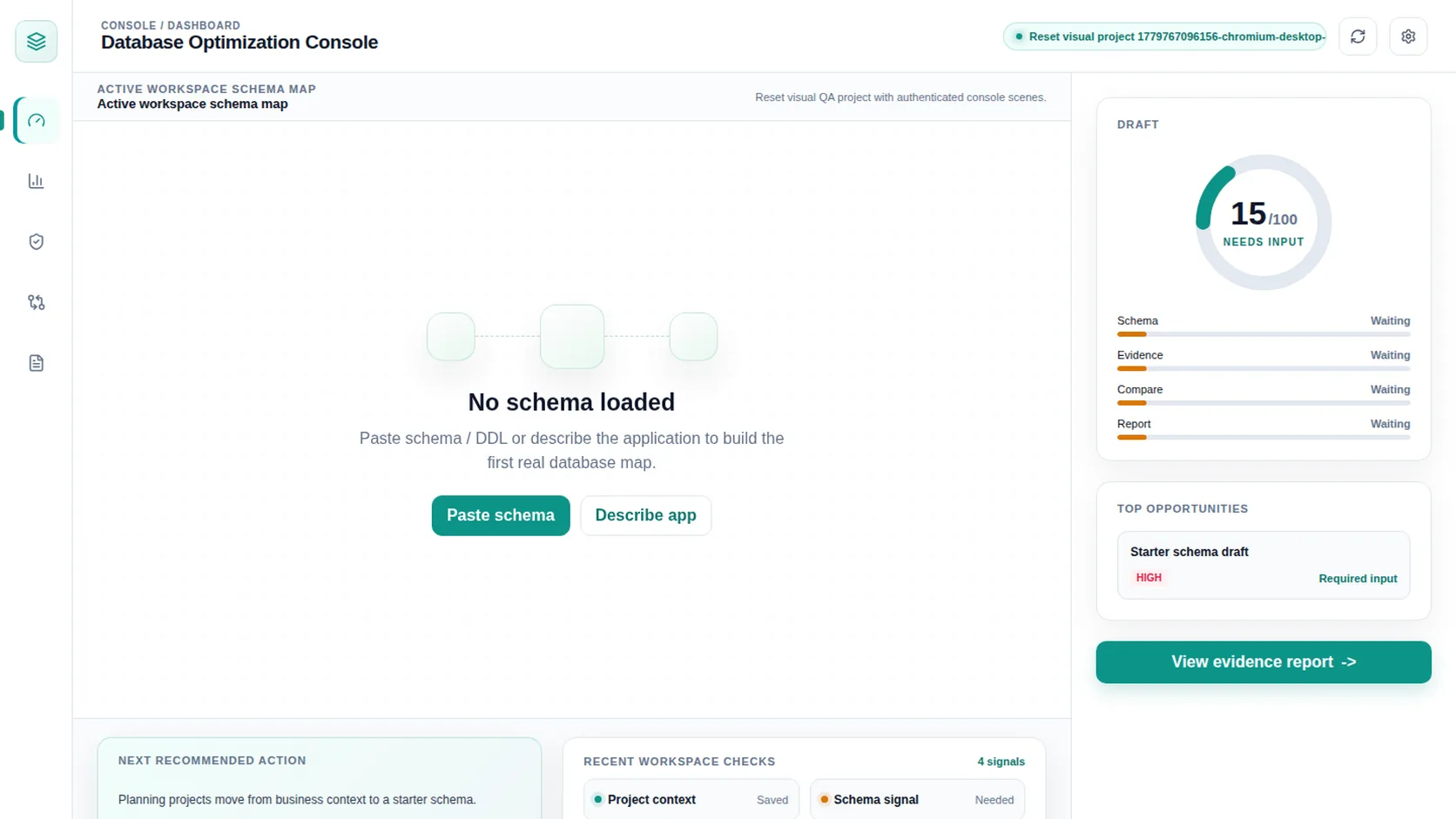
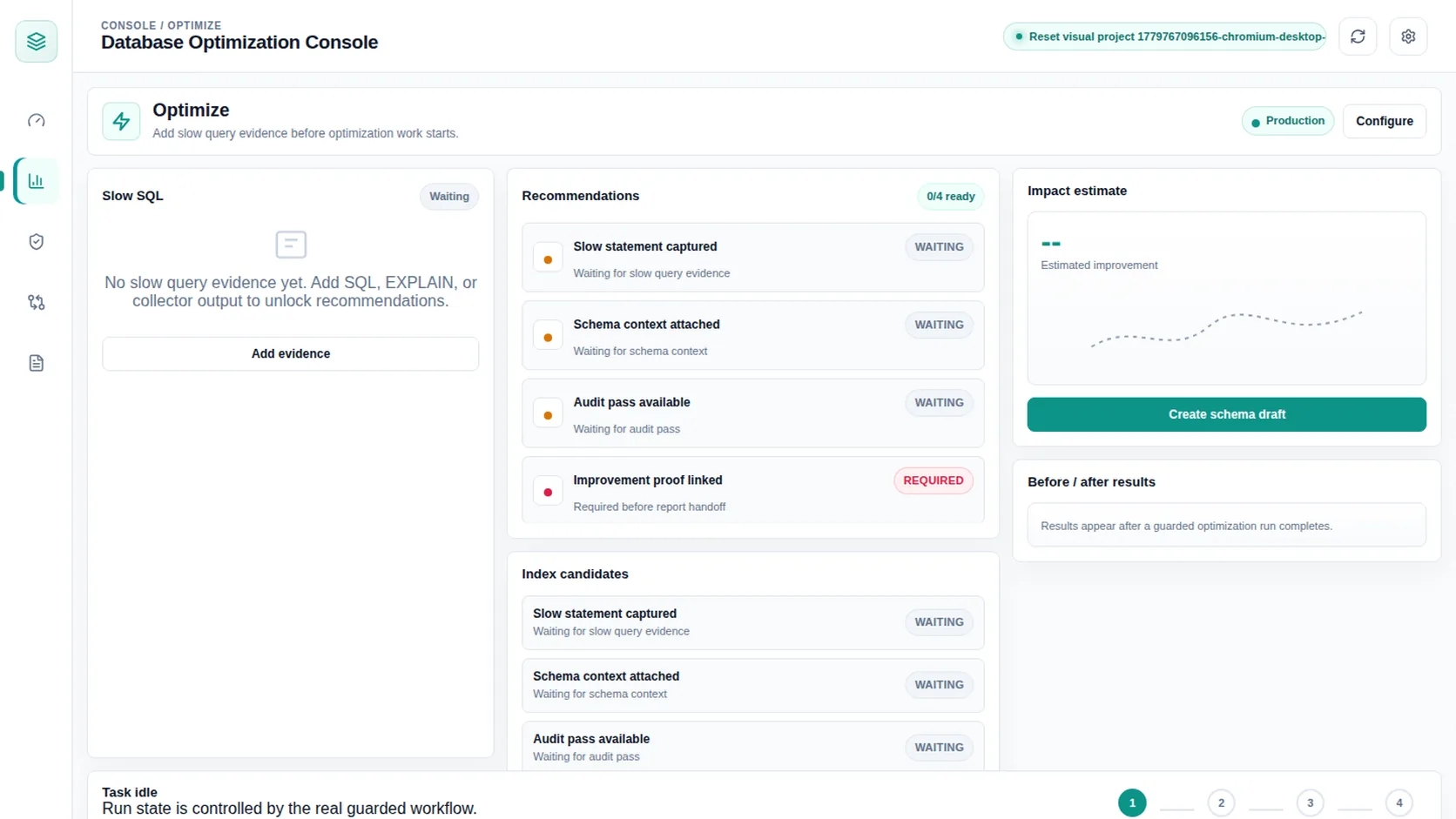
Database Optimization Tool turns PostgreSQL evidence into prioritized findings for slow queries, index candidates, table health risk, and safe next steps.

For lean teams running shops, booking systems, inventory workflows, SaaS dashboards, or internal tools, database optimization should answer one question first: what evidence says this change is worth doing?

Read-only collector model Evidence before advice AI notes for review only
01 Query pressure

Total time, mean latency, temp writes, disk reads.

02 Index evidence

Missing candidates, scan pressure, unused indexes.

03 Safe review

Deterministic findings first. AI notes stay advisory.

Start with the operational symptom, then trace it to database evidence.

Teams usually notice database problems through daily work: sales reports hang, checkout slows down, dashboards time out, or a customer-facing app gets heavier after growth.

Slow checkout or booking flow

Identify the slowest database work behind user-facing paths and separate query pressure from app code guesses.

Inventory and reporting lag

Find tables, indexes, and read patterns that make back-office screens feel heavier as records grow.

Cloud database bills rising

Use evidence to decide whether to optimize queries, remove waste, tune maintenance, or scale the instance.

An optimization tool should show evidence before advice.

The first version focuses on a safe PostgreSQL workflow: no production writes, no automatic index creation, and no unsupported AI claims.

1

Run collector

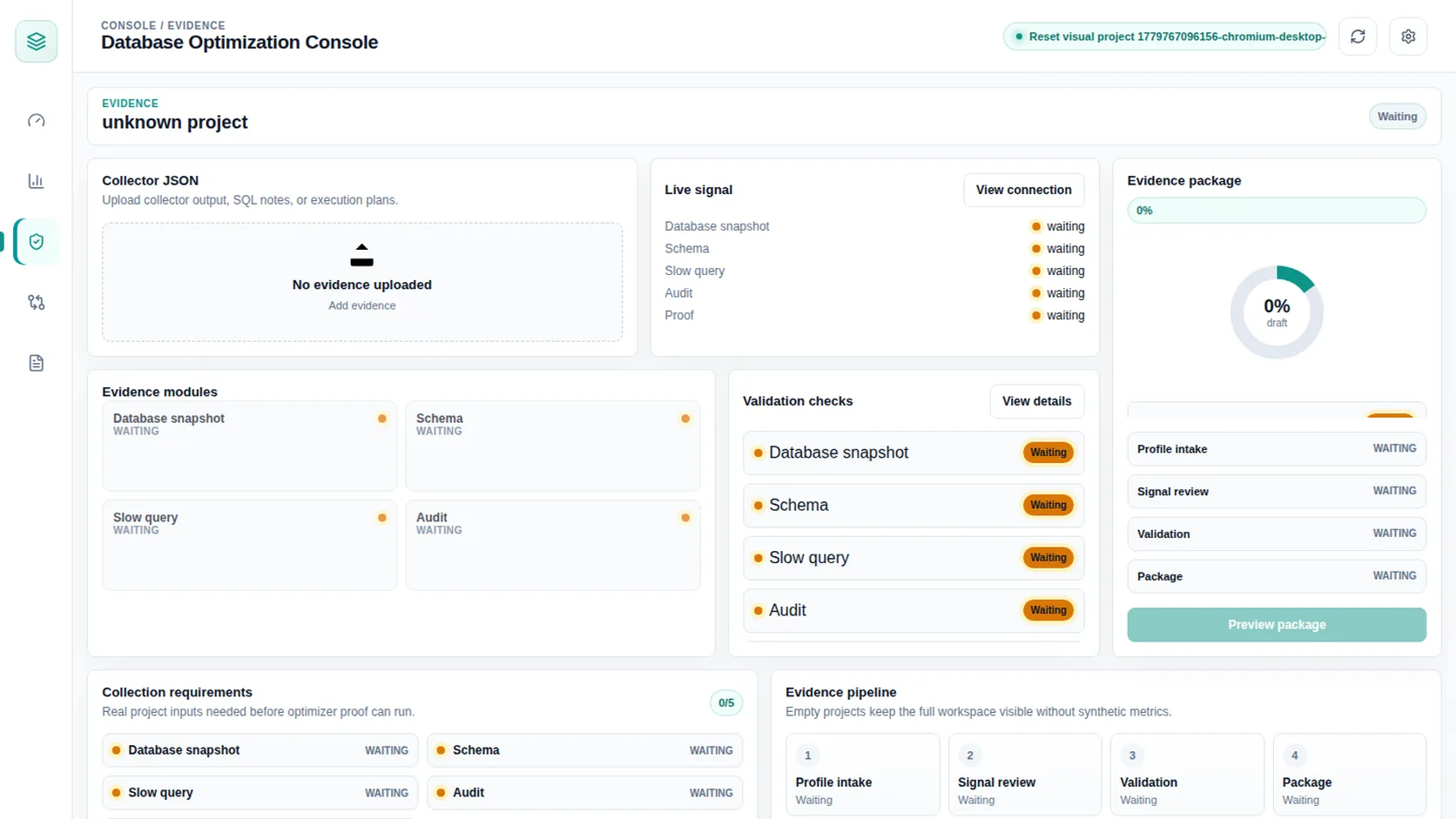
Collect PostgreSQL metadata and statistics with a restricted, read-only workflow.

2

Upload evidence

Use structured evidence instead of screenshots, chat snippets, or vague performance complaints.

3

Review findings

See deterministic findings for slow queries, index candidates, table health, and maintenance signals.

4

Use AI-assisted next steps

Get explanations and review checklists while keeping human approval in front of production changes.

5

Validate safely

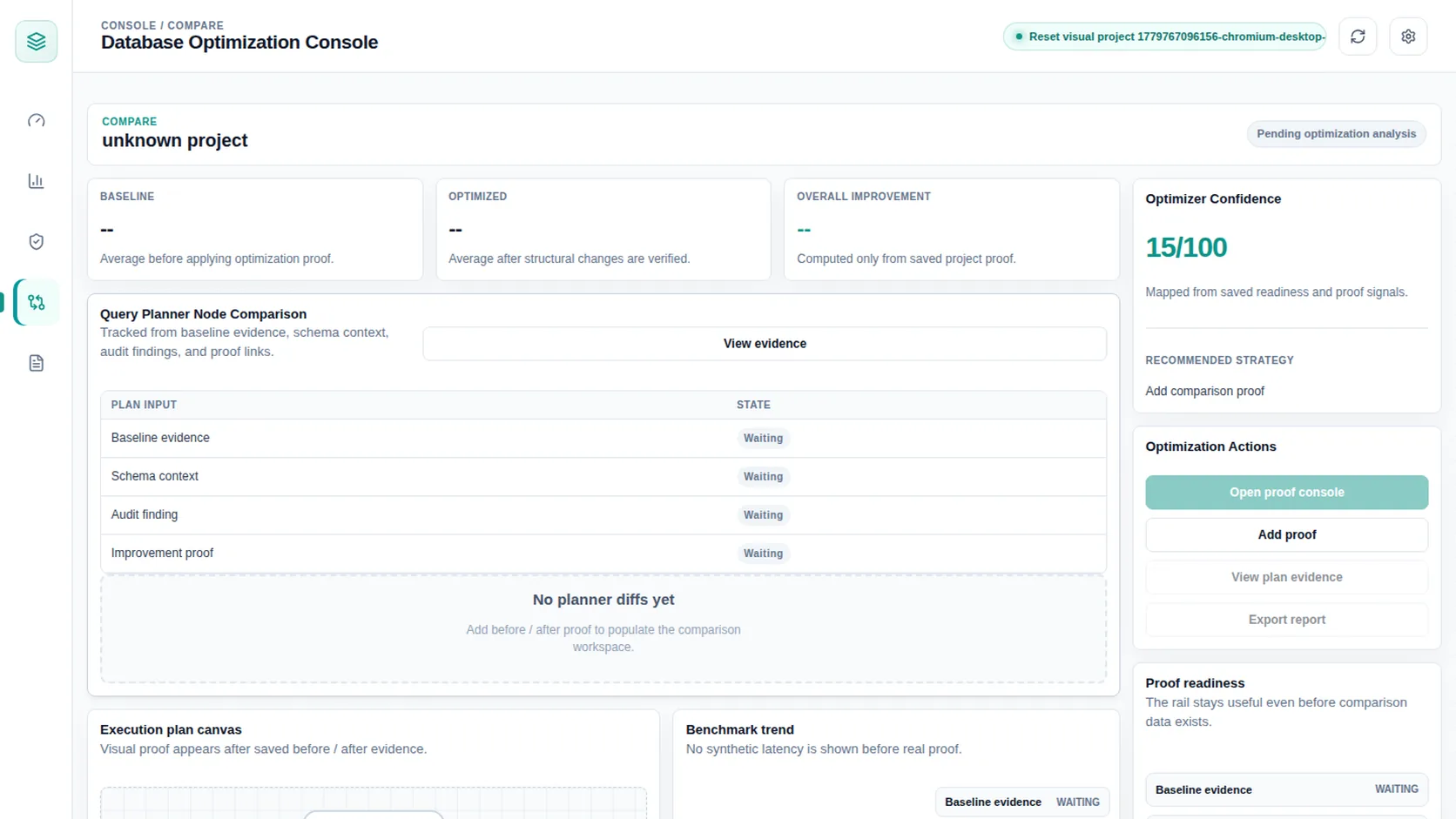
Use EXPLAIN, staging checks, and planned rollout steps before applying database changes.

6

Track the next bottleneck

Turn each report into a prioritized work queue for a founder, developer, or outside consultant.

PostgreSQL first, with a wider SQL roadmap.

The domain is broad on purpose. The product boundary is narrow on purpose.

AVAILABLE NOW

PostgreSQL

Read-only audit path for slow queries, missing index candidates, unused indexes, bloat signals, autovacuum drift, and temp writes.

View PostgreSQL support
PLANNED

MySQL

Roadmap page for future query, index, and table health checks. No current collector claims.

View roadmap
PLANNED

SQL Server

Roadmap page for teams that need performance review without pretending support exists today.

View roadmap

What the first report checks.

Designed for practical optimization decisions, not academic database tuning.

Query pressure

Slow queries, total time, mean time, temp writes, disk reads, and repeated expensive patterns.

Query optimization path

Index review

Missing index candidates, unused indexes, sequential scan pressure, and composite-index review signals.

Table health

Bloat signals, row estimates, dead tuple pressure, relation sizes, and maintenance drift.

Audit, tool, or automatic optimizer?

Database optimization is a wide market. The safest first product is a tool that audits evidence and guides review.

Category What it does Our stance
Database optimization audit Finds risks and next steps from collected evidence. Current product path.
Database optimization tool Turns the audit into a repeatable workflow and workbench. Current brand and near-term direction.
Automatic database optimizer Changes indexes, settings, or queries automatically. Not claimed. Production changes require review.

Common questions from small teams.

Is this for non-technical business owners?

Yes, but it is not magic. The site explains database risk in business language while still producing technical evidence a developer or consultant can review.

Does it support MySQL today?

No. PostgreSQL is first. MySQL and SQL Server pages are roadmap surfaces until collectors and findings are built.

Will AI change my database?

No. AI-assisted notes explain evidence and suggest review steps. They do not execute production SQL.

Why not redirect PostgresAudit?

PostgresAudit should remain the PostgreSQL specialist property. This domain is the broader category site.